enhancewizard
Menu

LINEWORK & RASTER ILLUSTRATION

AI anime image enhancer

Try Standard upscaling on raster anime illustrations. Check outlines and flat colors, and learn when vector or pixel-art workflows are better.

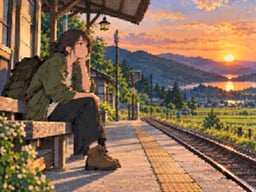
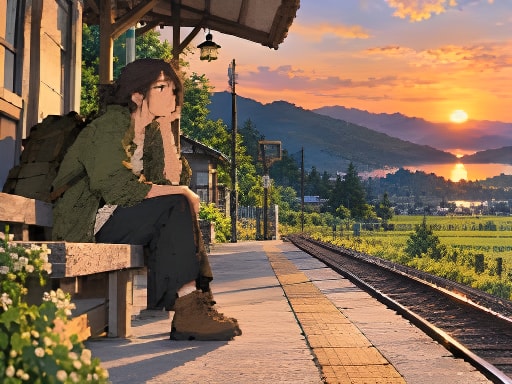
A quiet platform at sunsetTry a sample below
Original anime illustration of a traveler at a rural train platform at sunset, processed result
Simulated low-quality inputStandard 2× result

Drag the divider or use arrow keys in steps of five percent. Home and End show the full result or original.

Simulated low-quality input · actual Standard model outputAbout the examples ↗
No photo handy?

SEE THE SMALL DETAILS

Compare before you decide.

All examples ↗

Example originals are AI-generated simulated low-quality inputs, not customer photographs. Comparisons use actual Standard model outputs. Dimensions, scale and settings are shown for each evaluation; results vary by source.

THREE SIMPLE STEPS

Your photo, from upload to download.

  1. 01

    Choose a photo

    Upload, drop or paste a supported image. Your preview stays local until you start.

  2. 02

    Review and process

    Choose your goal and output. Check the dimensions, allowance and price beside the canvas.

  3. 03

    Compare and save

    Drag the divider, inspect at 100%, and download the version that works for you.

A CLOSER LOOK

What to look for in your result.

A clean anime illustration depends on deliberate lines and color areas. Enlargement should preserve the drawing rather than turn its outlines into photographic texture.

Start with the right kind of artwork

Use your own drawing or an image you have permission to edit. Export a raster copy from the original project when possible; a thumbnail may contain compressed edges. Standard upscaling can be tried on raster illustrations, but it is a general model rather than a dedicated anime enhancer.

Inspect linework and flat color

Compare eye contours, hair strands, fine accessories and solid-color boundaries at the same scale. Watch for halos, added texture and altered line thickness. If the illustration is vector artwork, exporting at a larger resolution from its original application will usually preserve the artist's geometry more directly.

Separate enlargement from coloring

Anime colorization and line-art coloring require a different creative workflow. This release has no anime colorizer or line-art painting model. Pixel art also needs another method: use integer nearest-neighbor scaling to retain square pixels, rather than a photographic AI upscaler.

GOOD QUESTIONS

Before you begin.

Is this a dedicated anime model?

No. The available operation is Standard upscaling applied to a raster illustration. Inspect outlines and colors before using the result.

Can I color a black-and-white anime drawing?

Automatic line-art colorization is not currently supported. This tool does not supply palettes or invent painted regions.

Should I use AI upscaling for pixel art?

Use the pixel art upscaler instead. Its local integer scaling keeps pixel edges sharp without generating new texture.

FROM THE JOURNAL

Related photo enhancement tutorials

Read the blog ↗